For tutors and teachers
Teach by hand, on the tablet or phone you own.
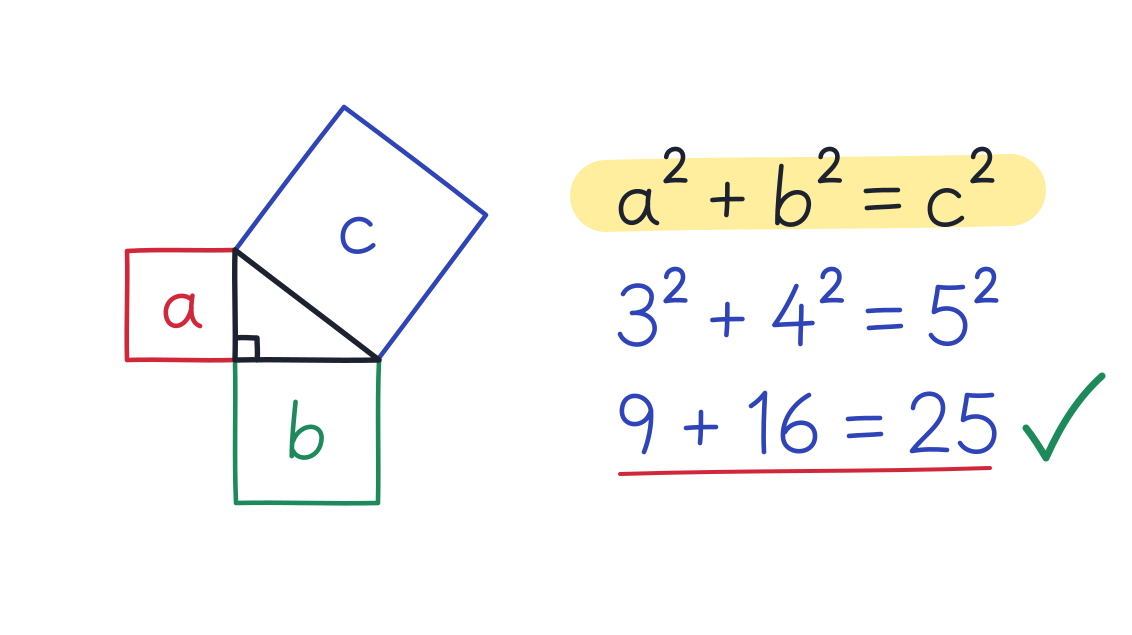
Write the lesson, mark up the question paper, put a clean page on the TV and send the PDF after class.
See every toolAsk to join the test
Coming soon to Google Play. For Android 8 and newer.

- No account Install it and write
- Works offline Teach without internet
- Saves as you write There is no Save button
- Yours to take away Free PDF and picture export
Write
Pick up a pen and start
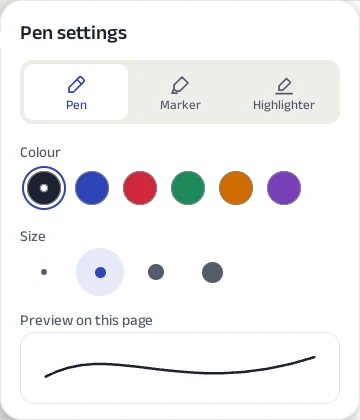
Three pens and a highlighter wait in the toolbar. Tap a pen again to change its type, colour or size. Write with a stylus or a finger.
- Pen only lets your hand rest on the screen while the stylus writes.
- Two fingers move and zoom the page, whatever tool you hold.
- Left or right hand: put the toolbar on the side that suits you.
- Undo and Redo always stay in view.
Teach
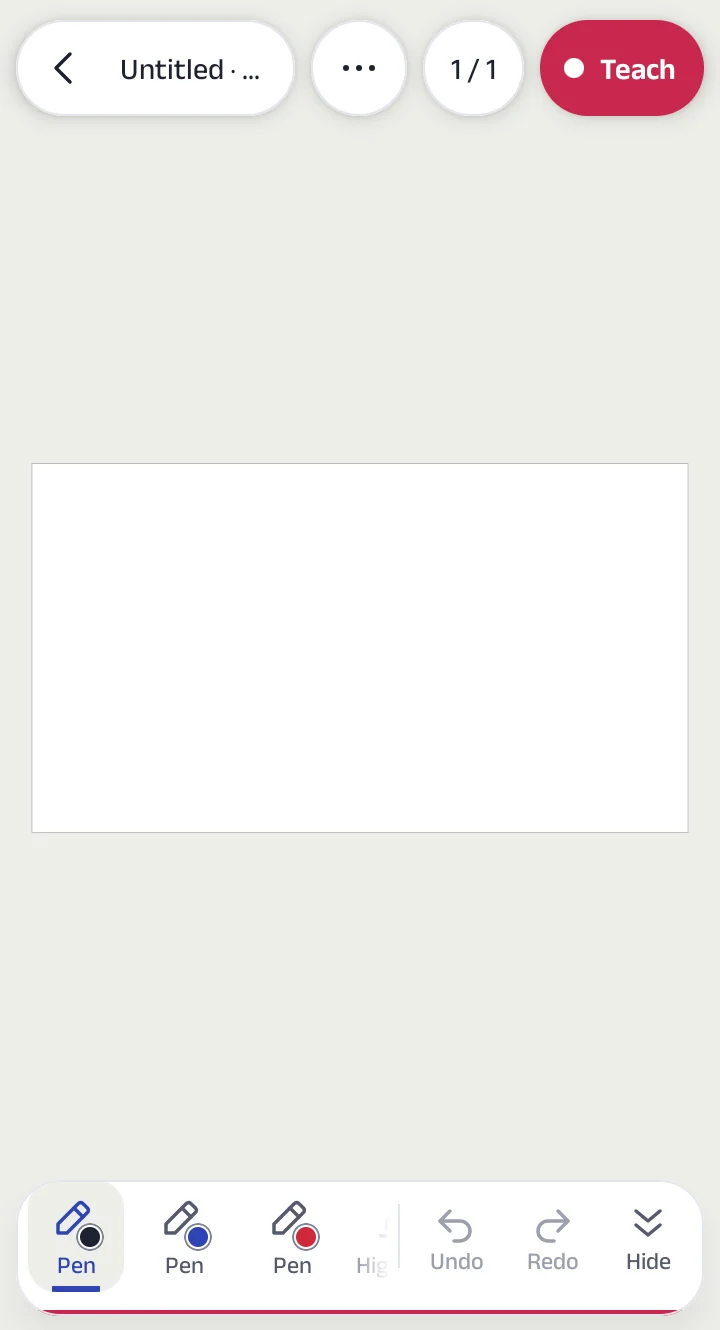
The class sees the page. You keep the tools.
Connect a TV or projector and tap Teach. When Android uses it as a second screen, it shows just your page. The laser pointer and spotlight show the class where to look.
Explain
The geometry box is already in the bag
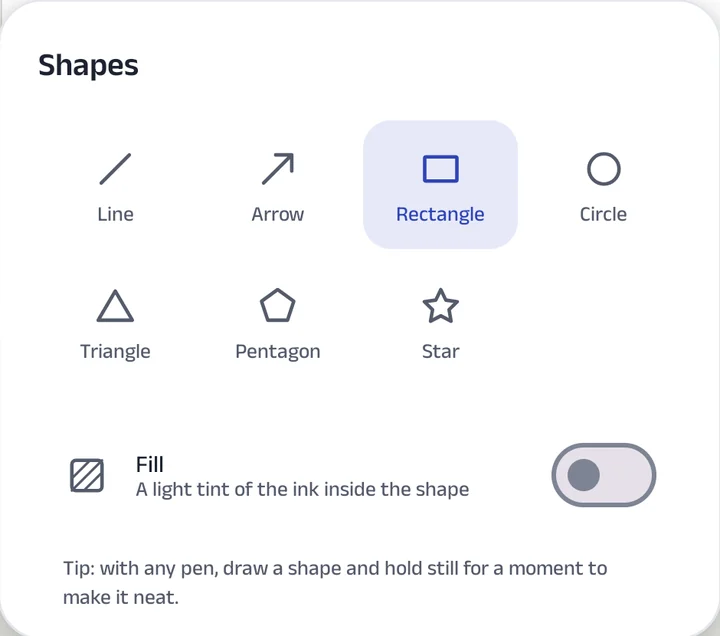
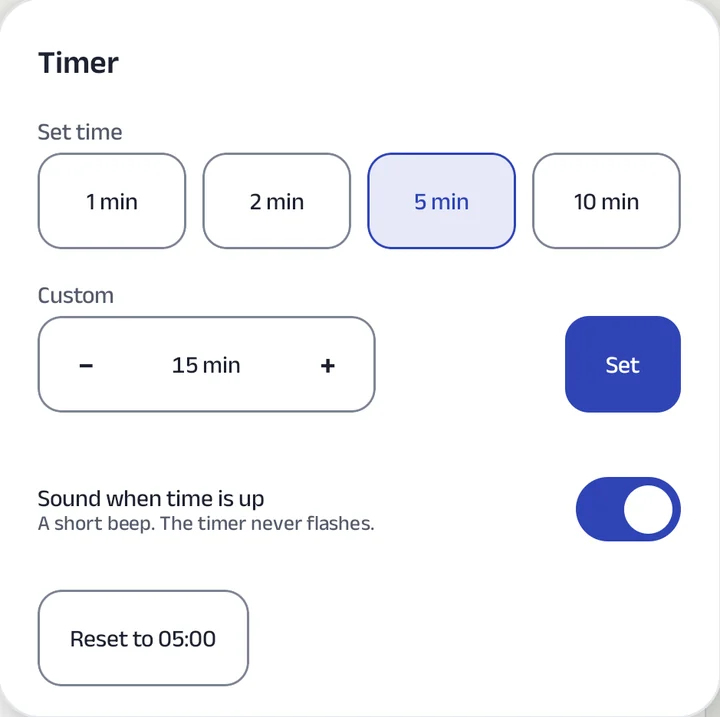
Draw a rough shape and hold for a moment: it turns neat. Put a ruler, set square, protractor or compass on the page and draw along it. Mark work with stamps. Set a timer that never flashes at the class.
Keep
Your lessons belong to you
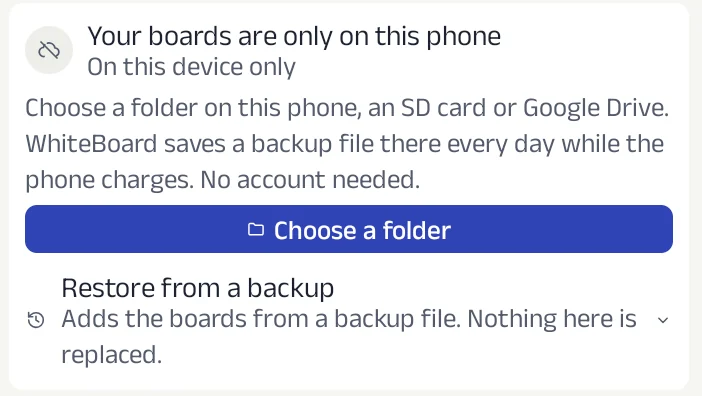
Each board is saved on your device as you write, so there is no account to lose and no upload to wait for.
- Share a board as a PDF that stays sharp, or as pictures.
- Take every board away at once with Download all my boards.
- Choose a folder for a daily backup and restore it on a new phone.
- Find a deleted board in Trash for 30 days.
A crash report can tell us what broke. It never holds your boards, and you can switch it off. Read the privacy policy
Pay
The teaching tools are free
Pens, PDFs, the geometry kit, presenting, export and backup cost nothing. At launch, one optional payment removes ads for good: planned at ₹99 once in India, never a subscription. The test version has no ads.
Ask
Questions teachers ask first
Do I need a stylus?
No. A finger writes and two fingers move the page. With a stylus, switch on Pen only so that your hand can rest on the screen.
Does it work without internet?
Yes. Writing, PDFs already on your device, presenting by cable and export all work offline. Internet is needed to install the app, buy or restore a purchase, send a report and use online folders.
Can students follow on their own phones?
Not in this version. Show the page on a TV or projector, or send the PDF after class.
Is there an iPhone or iPad app?
Not yet. WhiteBoard is being built for Android first.
Next
Try it in your next class
WhiteBoard is in testing before its Google Play release. Write to us with the subject you teach and the phone or tablet you use.
gobeenswhiteboard@gmail.com